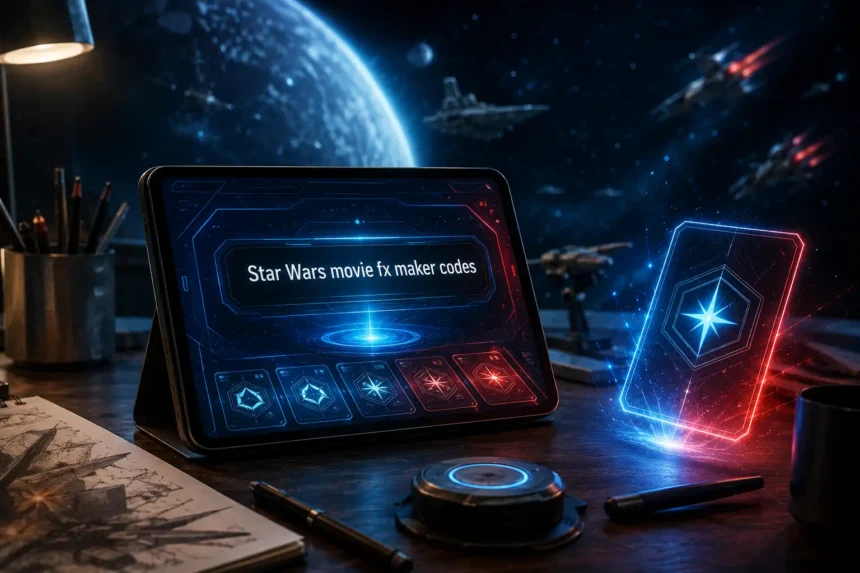
Star Wars movie FX maker codes were connected with Hasbro’s Star Wars Studio FX app, a mobile video tool that lets fans add Star Wars-style effects to short clips. These codes were mainly used to unlock extra effects through specially marked toys, QR scans, or in-app progress. In 2026, the most useful answer is simple: the original app is no longer officially available, but fans still search for these codes to understand how the system worked and what alternatives exist now.
- What Were Star Wars Movie FX Maker Codes?
- How the Star Wars Studio FX App Worked
- Why Fans Still Search for These Codes
- What Effects Could the Codes Unlock?
- Where Did Star Wars Movie FX Maker Codes Come From?
- Are the Codes Still Useful in 2026?
- Should You Download Old APK Versions?
- Best Alternatives for Star Wars-Style Movie Effects
- Simple Fan Video Workflow
- Practical Safety Checklist
- Final Thoughts
- FAQs
What Were Star Wars Movie FX Maker Codes?
Star Wars movie FX maker codes were unlock codes or scannable QR-style codes linked to extra effects inside the Star Wars Studio FX app. The app allowed users to record short toy-based scenes and then add digital effects such as blaster fire, lightsaber action, explosions, vehicles, and character-style overlays.
The idea was simple. A child or fan could film Star Wars action figures, vehicles, or playsets, then use the app to make the scene look more cinematic. Instead of needing professional editing software, users could create a short fan-style clip directly on a phone or tablet.
The codes added a collectible layer. Some effects could be unlocked by scanning codes found with selected Hasbro Star Wars toys. Others could be earned gradually by using the app and creating more videos.
How the Star Wars Studio FX App Worked
The app was designed as a simple video effects maker for younger Star Wars fans and toy collectors. Users recorded a short scene using their figures or vehicles. After recording, they selected effects from the app’s library and placed them into the clip.
The app focused on playful creativity rather than advanced video editing. It was not made for professional film production. Its main purpose was to help users turn ordinary toy scenes into small Star Wars-inspired action sequences.
The basic process usually worked like this:
| Step | What the user did | Result |
| 1 | Recorded a short toy scene | A basic video clip was saved |
| 2 | Opened the effects library | Available FX options appeared |
| 3 | Added effects to the clip | Blasters, explosions, or vehicles appeared |
| 4 | Scanned codes or earned rewards | More effects became available |
| 5 | Saved the final video | The user could replay or share it |
This made the app attractive for children, parents, collectors, and casual Star Wars fans who wanted quick entertainment without learning complex editing tools.
Why Fans Still Search for These Codes
People still search for Star Wars movie FX maker codes because the topic has a mix of nostalgia, app history, and practical curiosity. Some users remember the app from older Hasbro toy promotions. Others find old figures, packaging, or QR codes and want to know whether they still work.
There is also confusion around the name. Some pages call it Star Wars Movie FX Maker, while others refer to it as Star Wars Studio FX. Both names usually point toward the same Hasbro-related app experience.
Most searchers want one of four things:
| Searcher need | What they are really looking for |
| Unlock codes | Working QR codes or promo codes |
| App explanation | What the app did and how it worked |
| Download help | Whether the app is still available |
| Alternatives | Similar apps for lightsaber or movie effects |
A good guide should answer all four without pretending that old codes are guaranteed to work today.
What Effects Could the Codes Unlock?
The codes were mainly associated with visual and sound effects that made Star Wars toy videos more exciting. Exact availability depended on the app version, toy promotions, and whether the code was still supported.
Common effect categories included:
| Effect type | Example use |
| Blaster effects | Adding laser shots to battle scenes |
| Explosion effects | Creating impact moments around vehicles |
| Character effects | Making characters appear in the scene |
| Vehicle effects | Adding ships or battle-style movement |
| Lightsaber effects | Creating Jedi or Sith-style action clips |
Later versions of the app also promoted lightsaber-style video features, allowing users to record someone holding a lightsaber and add visual and sound effects.
Where Did Star Wars Movie FX Maker Codes Come From?
The most reliable source of these codes was originally Hasbro’s specially marked Star Wars merchandise. Some toy packaging included scannable codes that unlocked extra effects. This connected the physical toy line with the mobile app.
Fans also shared codes in collecting communities, forums, and social platforms. Reddit threads and fan pages became informal places where users posted QR code images from toy packaging. This helped collectors unlock effects even if they did not own every toy.
However, users should be careful with old code pages. Many outdated websites repeat the same information without confirming whether the app still works. Some pages also mix genuine app details with generic claims about secret codes, unlimited unlocks, or unsafe APK downloads.
Are the Codes Still Useful in 2026?
In most practical cases, Star Wars movie FX maker codes are no longer useful for ordinary users because the official app is no longer available for download. Even if someone finds an old code, it may not scan, sync, or unlock anything if the app’s support system has ended.
This does not mean the codes are meaningless. They still have value for collectors, app-history researchers, and fans documenting older Hasbro promotions. A QR code from original packaging may be interesting as part of Star Wars toy history, even if it no longer functions as an active digital unlock.
The safest position is this: treat old codes as historical or collectible material, not as guaranteed working access.
Should You Download Old APK Versions?
Some websites still list old Android APK files for the Star Wars Studio FX app. This is where users need to be cautious. Downloading discontinued apps from unofficial sources can involve several risks, including malware, broken files, missing server support, privacy concerns, or compatibility issues with modern phones.
Even if an APK installs successfully, it may not behave as expected. Older apps were built for older Android versions, older device architectures, and old licensing systems. A discontinued app may open but fail to unlock content, scan codes, save videos, or access required files.
For safety, avoid entering personal information, payment details, or account credentials into unofficial versions of any discontinued app.
Best Alternatives for Star Wars-Style Movie Effects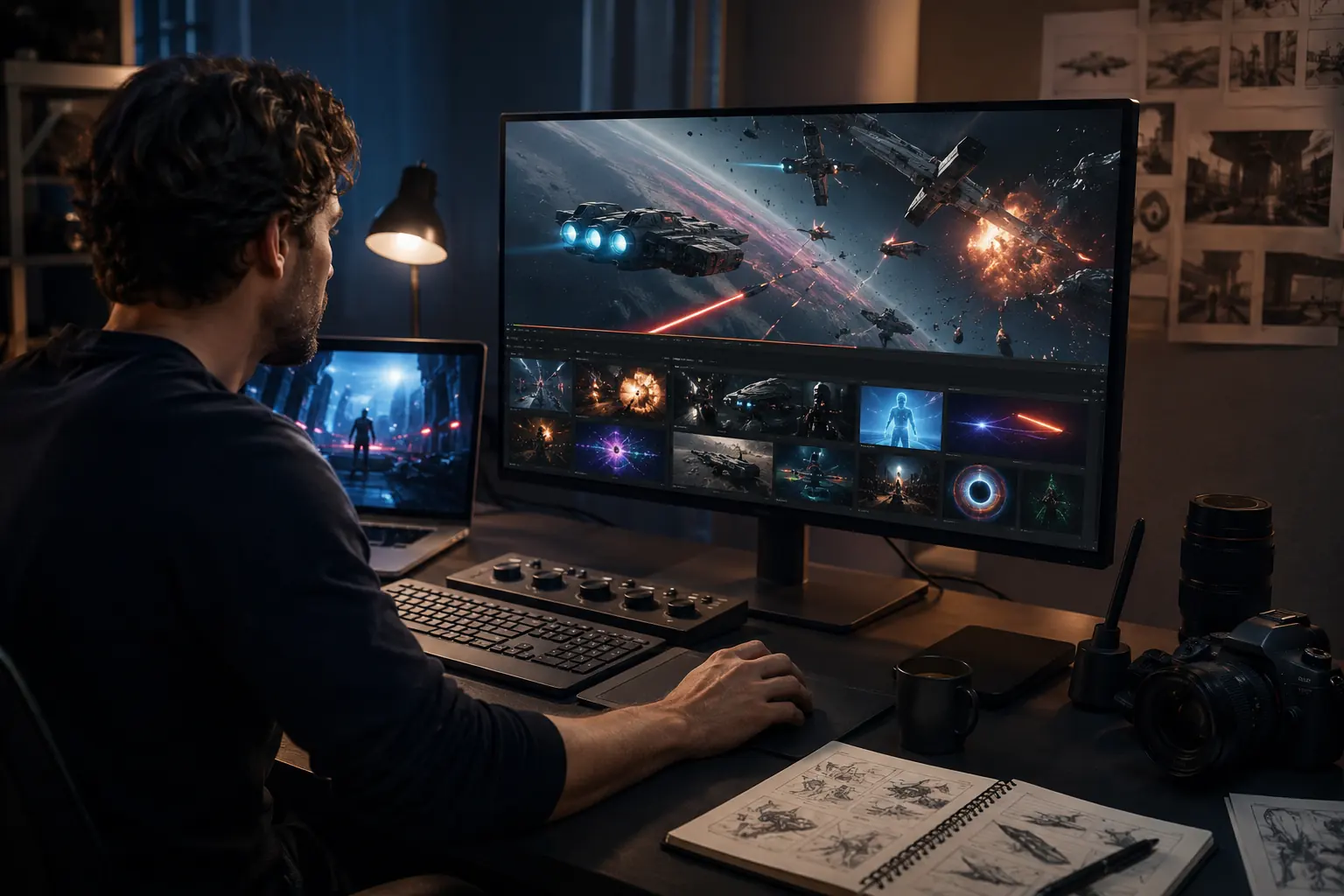
Fans who want similar creative results today have better options than chasing old codes. Modern mobile editing apps offer stronger tools, better device compatibility, and more control over effects.
Here are practical alternatives:
| Goal | Better modern option |
| Lightsaber video effects | Use a lightsaber FX or VFX editing app |
| Short fan edits | Use CapCut, VN, or similar mobile editors |
| More advanced effects | Use After Effects or DaVinci Resolve |
| Toy-video editing | Use basic mobile editors with overlays |
| Sound design | Add royalty-free sci-fi sound effects |
For beginners, the easiest route is to record a short clip, import it into a mobile editor, add glow effects, use sci-fi sound effects, and export the video in a social-media-friendly format.
Simple Fan Video Workflow
A modern Star Wars-style clip does not require the original Hasbro app. You can create a similar result with a simple workflow:
- Record a short, steady video clip.
- Use action figures, props, or a simple background.
- Import the clip into a mobile video editor.
- Add laser, glow, smoke, or explosion overlays.
- Add sci-fi sound effects carefully.
- Keep the final clip short and clean.
- Export in vertical or square format for social media.
The key is not to overload the video. A short clip with two or three well-placed effects often looks better than a messy clip full of random overlays.
Practical Safety Checklist
Before using any old code page, download link, or fan-shared file, check the following:
| Safety check | Why it matters |
| Is the source official? | Official sources are safer |
| Does the app still exist? | Discontinued apps may not work |
| Is personal data requested? | Codes should not require private details |
| Is payment required? | Be careful with paid “unlock” claims |
| Is the file from a trusted store? | Unofficial APKs can be risky |
This checklist is especially useful for parents helping children search for old Star Wars apps or effects.
Final Thoughts
Star Wars movie FX maker codes were once a fun part of Hasbro’s Star Wars Studio FX experience. They connected toys, mobile creativity, and digital effects in a simple way that younger fans could enjoy. Today, the app’s official support has ended, so the codes should be viewed mainly as part of Star Wars toy and app history.
For fans who simply want to create lightsaber scenes, blaster clips, or toy battles, modern editing tools are the better choice. They are easier to access, safer to use, and more flexible than relying on old unlock codes from a discontinued app.
FAQs
1. What are Star Wars Movie FX Maker codes?
They were codes or QR-style unlocks connected with Hasbro’s Star Wars Studio FX app. They helped users unlock extra digital effects.
2. Is the Star Wars Studio FX app still available?
No. Hasbro states that the app is no longer available for download, and support ended on June 30, 2023.
3. Did the codes come from toys?
Yes. Some effects were unlocked by scanning codes included with specially marked Hasbro Star Wars toys.
4. Can old codes still work?
They may not work now because the official app is discontinued. Treat old codes as collectible or historical material.
5. What should fans use instead?
Modern mobile editors, lightsaber FX apps, CapCut-style tools, or desktop VFX software are better options.